In this article, we'll take a look at Reading View and Reading List, and how to use them on your Apple devices.
Sharing via AirDrop
In this article, we'll take a look at why you might want to use Apple's AirDrop feature, and a procedure for how to use it on your iPad and/or iPhone.
Optimize your charging!
In this article, we'll take a look at power and charging your devices from first principles, and unpack the confusing overlap between USB-C and Thunderbolt.
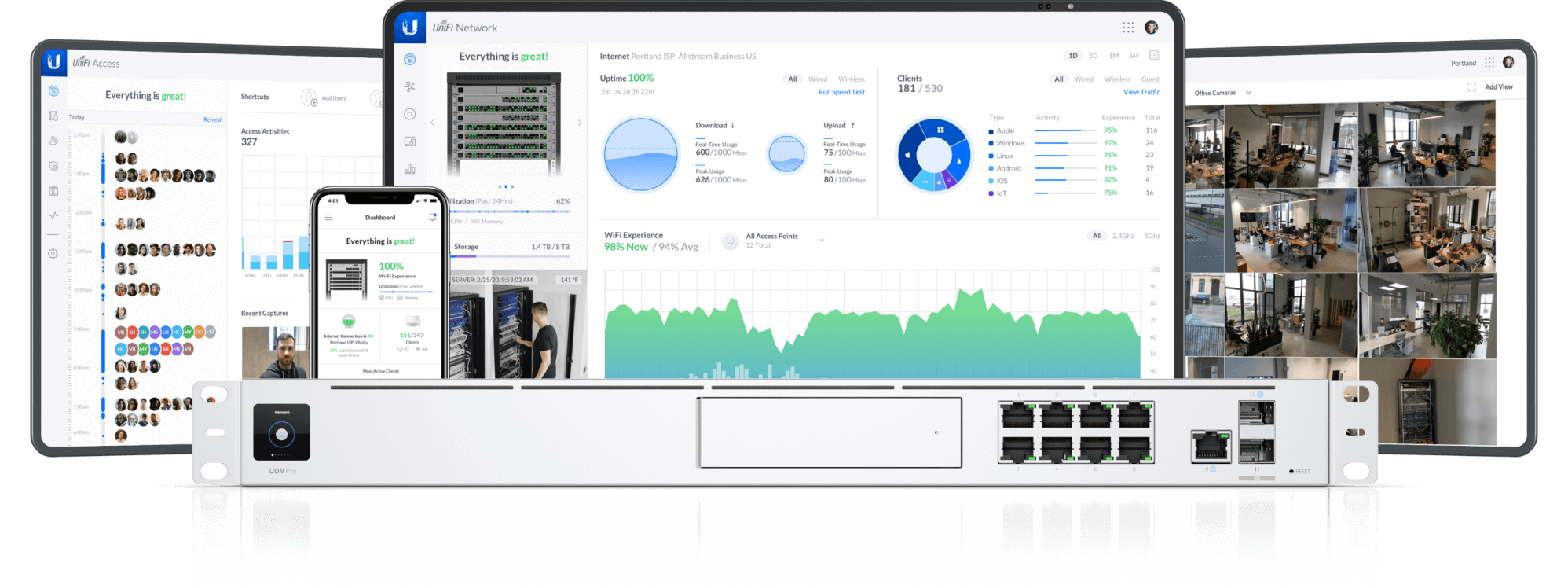
Unifi Network: Getting Started
In this article, we'll take a look at how to get started with your new Unifi Network software-defined IP network, by creating a Ubiquiti Networks account, installing the Network app to your iPhone/iPad, logging in with your Ubiquiti Networks account, and get started with the Network app's features.

Unifi Protect: Getting Started
In this article, we'll take a look at how to get started with your Unifi Protect camera system, by adding the Protect apps to your iPhone/iPad, logging in with your existing Ubiquiti Networks account, and get started with the app's features.
Updating your Mac Software
In this article, we'll take a look at how to update your macOS system software, Mac App Store apps, and third-party applications.
Software that Keeps Changing
In this article, we'll dive into why software keeps changing, and a few strategies for staying on top of those changes, when it reaches your computing devices.
December 2022 Newsletter
Enjoy our first monthly newsletter, for December 2022!
Printing via AirPrint
In this article, we'll take a look at what AirPrint is, if your printer has it, how to print (via AirPrint) from your Apple devices, and how we might supplementally add AirPrint (to older printers that don't yet have the feature.)
Updating iPhone & iPad Apps
In this article, we'll take a look at how to manually check for app updates on your iPad and/or iPhone via the App Store, how to install available updates, and how to setup automatic app updates in the background.